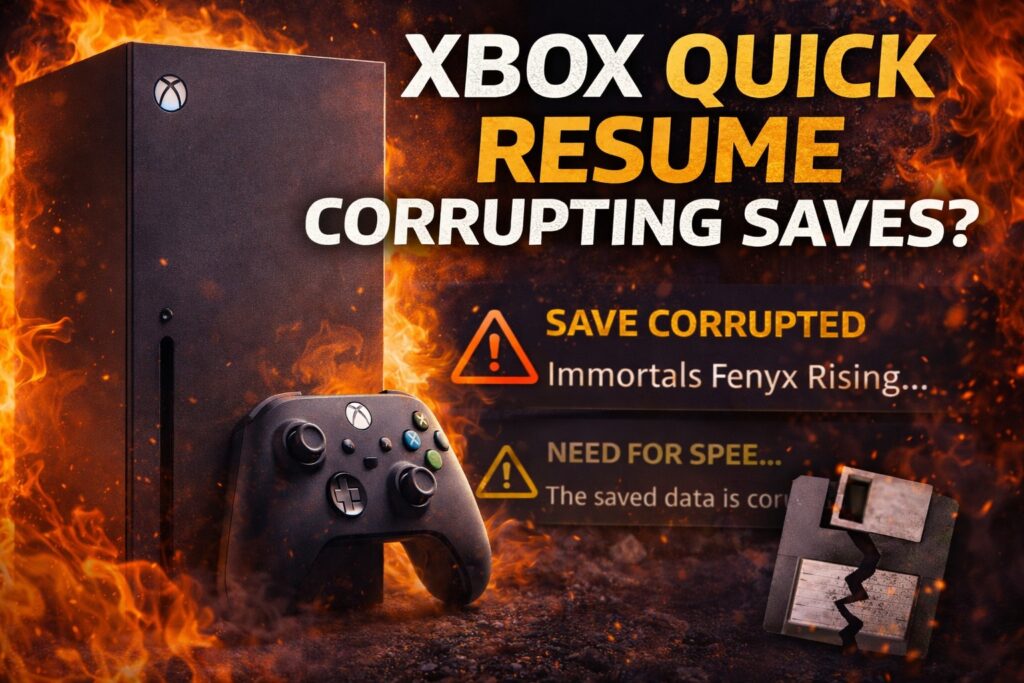
Losing 30 hours of RPG progress feels like watching your house burn down. You’d expect mechanical failure or user error—not a convenience feature designed to help. Yet Xbox’s Quick Resume has been quietly corrupting save files across the platform, turning Microsoft’s flagship time-saver into a digital Russian roulette.
The Snapshot Problem
Quick Resume captures game states instead of triggering proper saves, creating fragile snapshots vulnerable to corruption.
Quick Resume works by taking a RAM snapshot and storing it on your SSD rather than letting games save naturally. When you switch between titles, Xbox freezes everything in memory—your exact position, inventory, progress markers—and dumps it to storage. Resume later, and you’re instantly back where you left off.
Except when the snapshot becomes unstable. Game updates, system changes, or power events can make these frozen moments incompatible with reality. Your saved snapshot expects one version of the world, but loads into another. The result? Corruption warnings that make your stomach drop.
Real-World Casualties
Users report widespread corruption across major titles, with some losing dozens of hours to the feature meant to save time.
The casualties are mounting across GameFAQs and official forums:
- Immortals Fenyx Rising players see corruption warnings after 30-hour campaigns
- Train Sim World 5 crashes on resume with “saved data has changed” errors, as documented in Dovetail Games forums
- Need for Speed Unbound owners on Series S face repeated corruption messages, forcing complete progress restarts according to EA forum reports
These aren’t isolated incidents—they’re systematic failures. The feature that promises seamless game-hopping instead delivers the gaming equivalent of a corrupted hard drive.
Microsoft’s Warning Gap
Official Xbox support provides corruption recovery steps but fails to acknowledge Quick Resume as a primary cause.
Microsoft’s support documentation explains how to recover from corruption but skips the part where Quick Resume creates the problem. You’ll find detailed instructions for clearing cache, updating games, and reinstalling corrupted saves.
What you won’t find? Any warning that the platform’s marquee feature might be the culprit. The silence feels deliberate. Quick Resume represents a major competitive advantage over PlayStation 5, which lacks equivalent functionality.
Protection Protocol
Your move: manually quit games through the Xbox home screen instead of letting Quick Resume handle everything. Hit the menu button, select “Quit,” and let the game save properly. Trading a few extra seconds for save security beats losing weeks of progress to a convenient lie.
The future of gaming runs on instant gratification, but your save files deserve better than digital gambling.
Last modified: January 3, 2026